

As a user
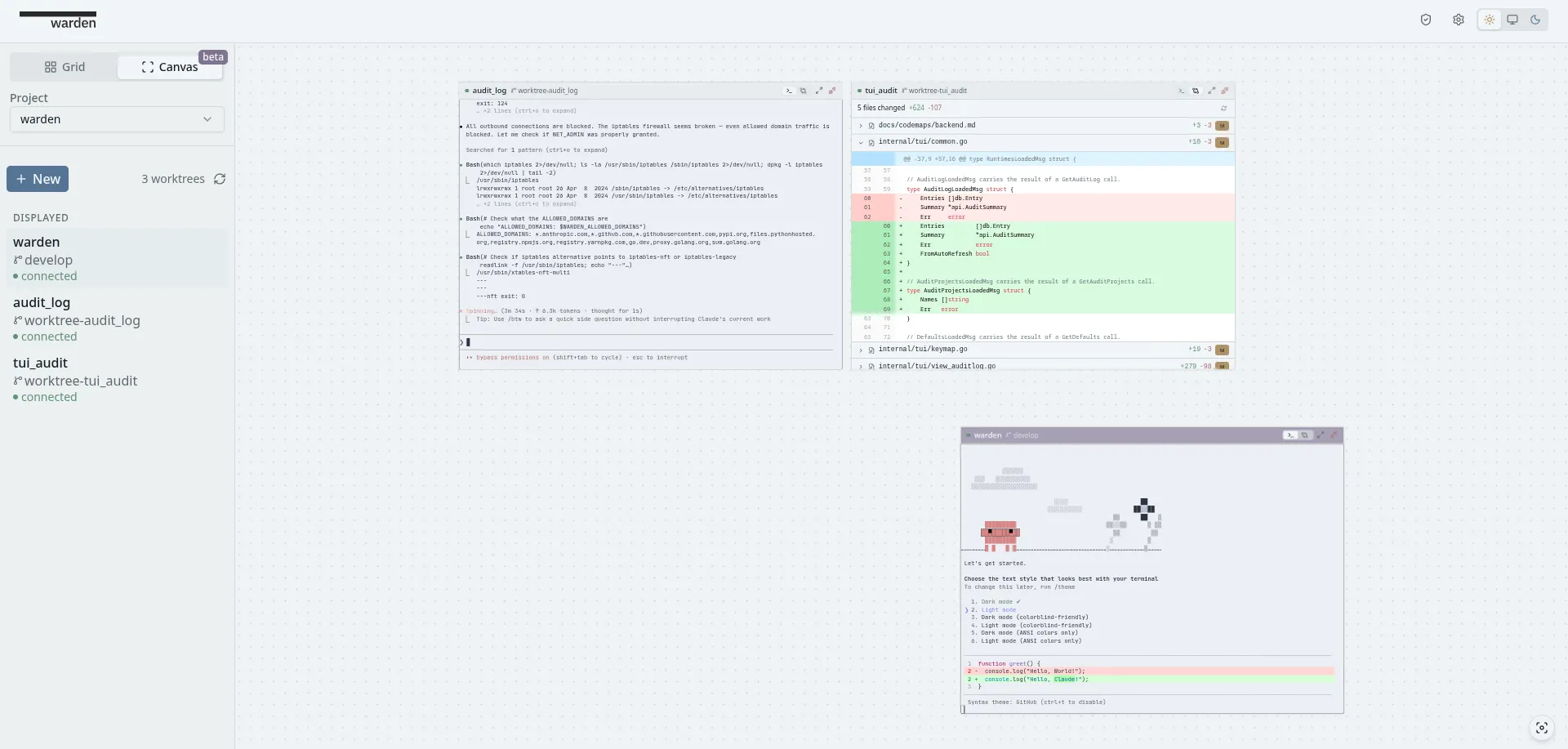
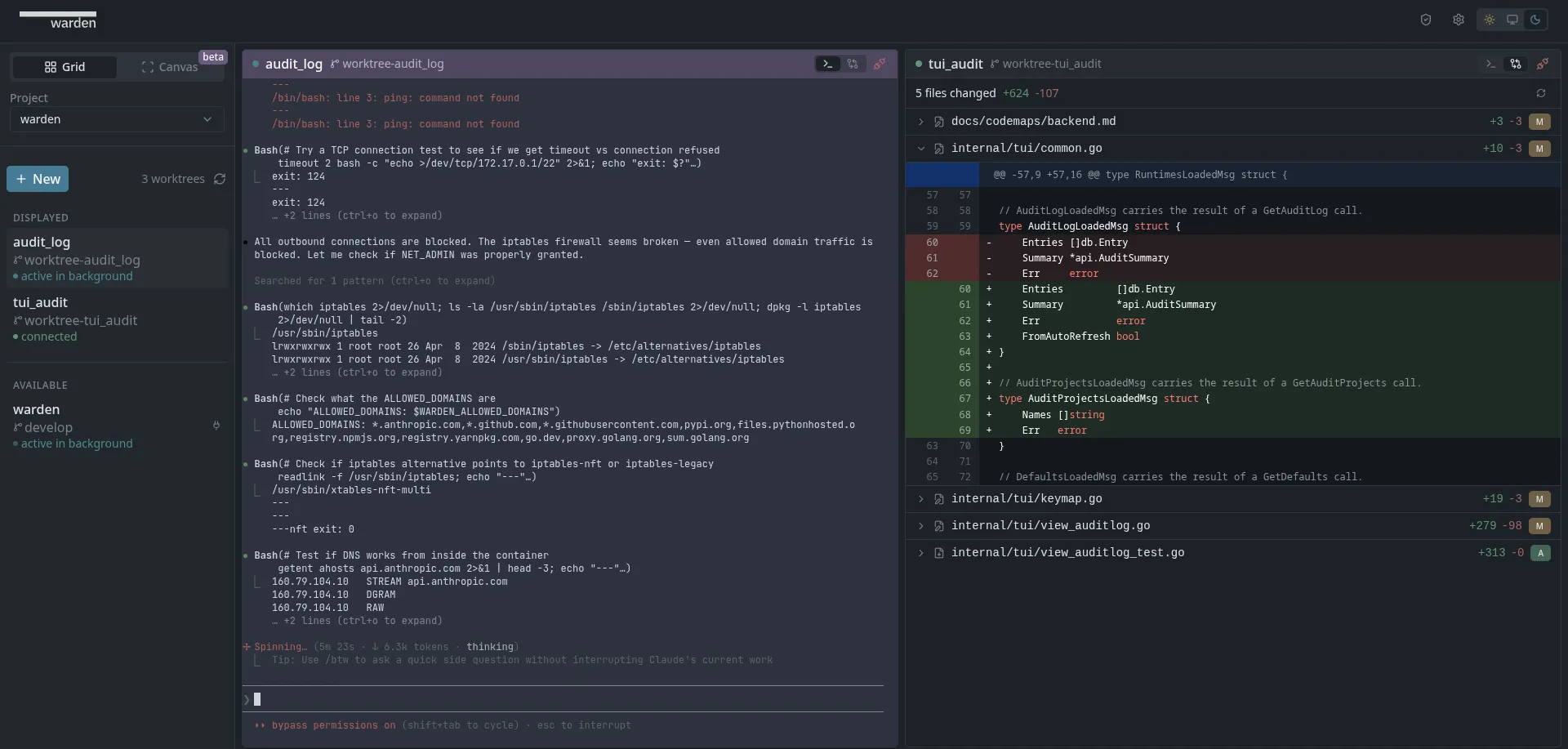
Download a binary and go. Web dashboard (warden-desktop) opens a
browser UI. Terminal UI (warden-tui) runs natively in your terminal.
No Docker knowledge needed.
As a user
Download a binary and go. Web dashboard (warden-desktop) opens a
browser UI. Terminal UI (warden-tui) runs natively in your terminal.
No Docker knowledge needed.
As a developer
Warden’s engine is a Go library and HTTP API. Container lifecycle, worktree orchestration, agent status, network controls, and an event bus — all behind clean interfaces. Build your own UI, CLI, or orchestration layer on top.
Container isolation
Each project gets its own filesystem, env vars, and credentials. No credential bleed, no cross-project file access. Containers are hardened with dropped capabilities, a seccomp syscall filter, and no-new-privileges. Run agents in fully autonomous mode without risking your host.
Network access controls
Per-container network policy: full access, domain allowlist (restricted), or air-gapped (none). Enforced via iptables before any user code runs. Language runtimes (Python, Go, Rust, Ruby, Lua) are auto-detected and open only the required package registry domains.
Credential passthrough
Share Git config, SSH agent, GPG signing, and custom credentials with containers without storing secrets. SSH and GPG agent forwarding works across all platforms and Docker runtimes via built-in TCP bridge proxies.
Real-time agent status
Idle, working, needs permission, needs input, needs answer — across every agent at a glance. Per-project cost tracking with configurable budget enforcement.
Session persistence
Terminals survive disconnects via tmux. Close the tab, agent keeps working. Reconnect later. Attention notifications tell you which agent needs you.
Parallel agents via worktrees
Run multiple agents on the same repo simultaneously, each in its own git worktree. Isolated branches, no merge conflicts, no stepping on each other. Warden orchestrates creation, cleanup, and status across all of them.
Audit and compliance
Unified event logging with activity timeline, summary dashboard, and category filtering. Configurable detail levels (standard/detailed) for cost-volume trade-off. Export audit data as CSV/JSON for compliance review.